一、概述
上一篇文章,已经实现了联系我们,地图显示,拨打电话。
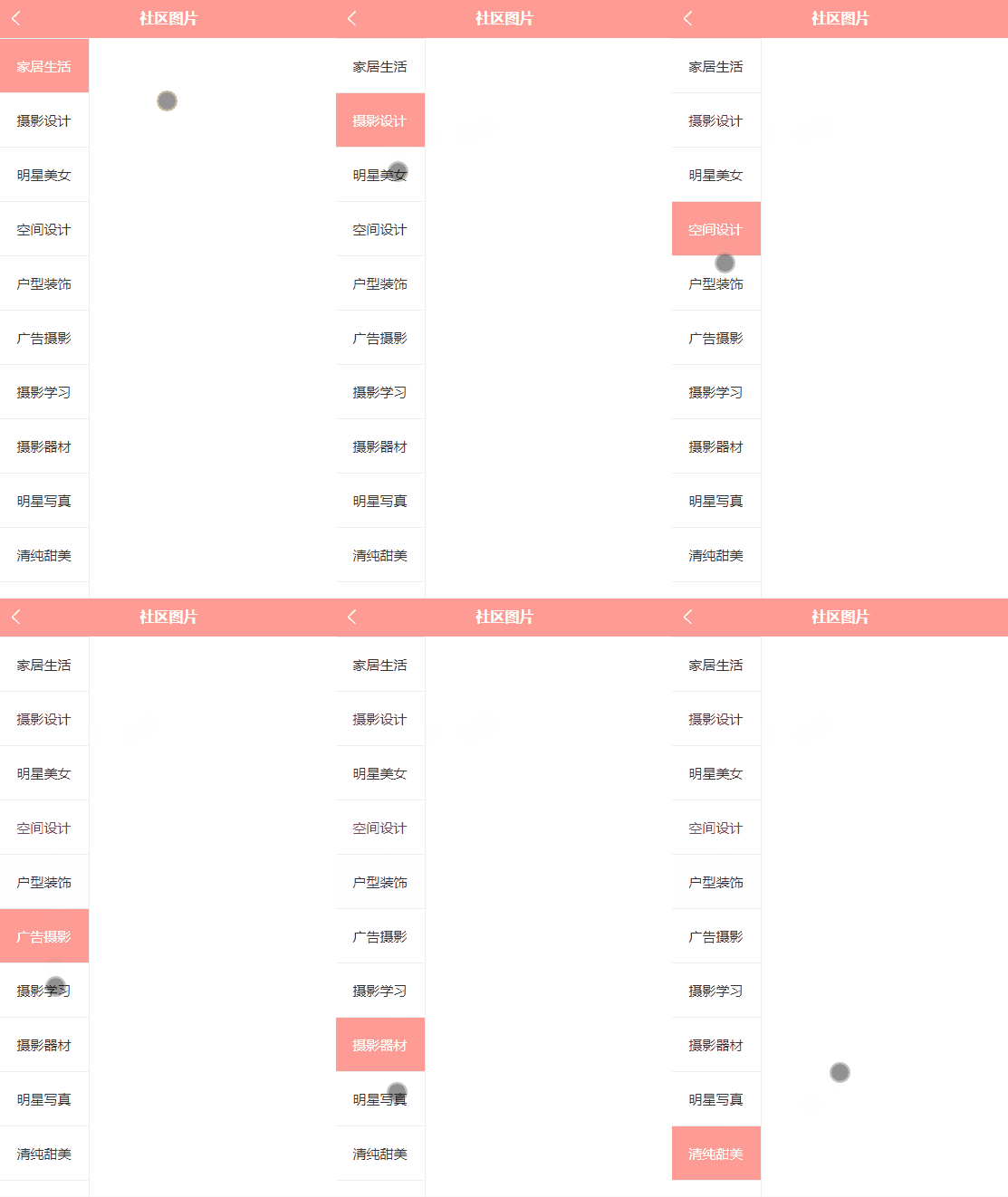
接下来,实现社区图片,左侧结构样式,效果如下:
二、scroll-view
可滚动视图区域。用于区域滚动。
官方文档:https://uniapp.dcloud.net.cn/component/scroll-view.html
修改 pages/pics/pics.uvue文件,增加view
完整代码如下:
<template><view class="pics"><!-- 左侧分类 --><scroll-view class="left" style="width: 200rpx;height: 100vh;border-right: 1px solid #eee;" scroll-y="true"><view v-for="index in 20" :key="index" :class="index==1?'active':''">家居生活 {{index}}</view></scroll-view></view>
</template><script>export default {data() {return {}},methods: {}}
</script><style lang="scss">page {display: flex;height: 100%;}.pics {height: 100%;display: flex;.left {view {height: 60px;line-height: 60px;color: #333;text-align: center;font-size: 30rpx;border-top: 1px solid #eee;}.active {background: $shop-color;color: #fff;}}}
</style>
说明:
scroll-y="true",允许纵向滚动
view做了一下for循环,模拟2个分类。
:class="index==1?'active':''",表示第一个高亮显示。
编译运行,效果如下:
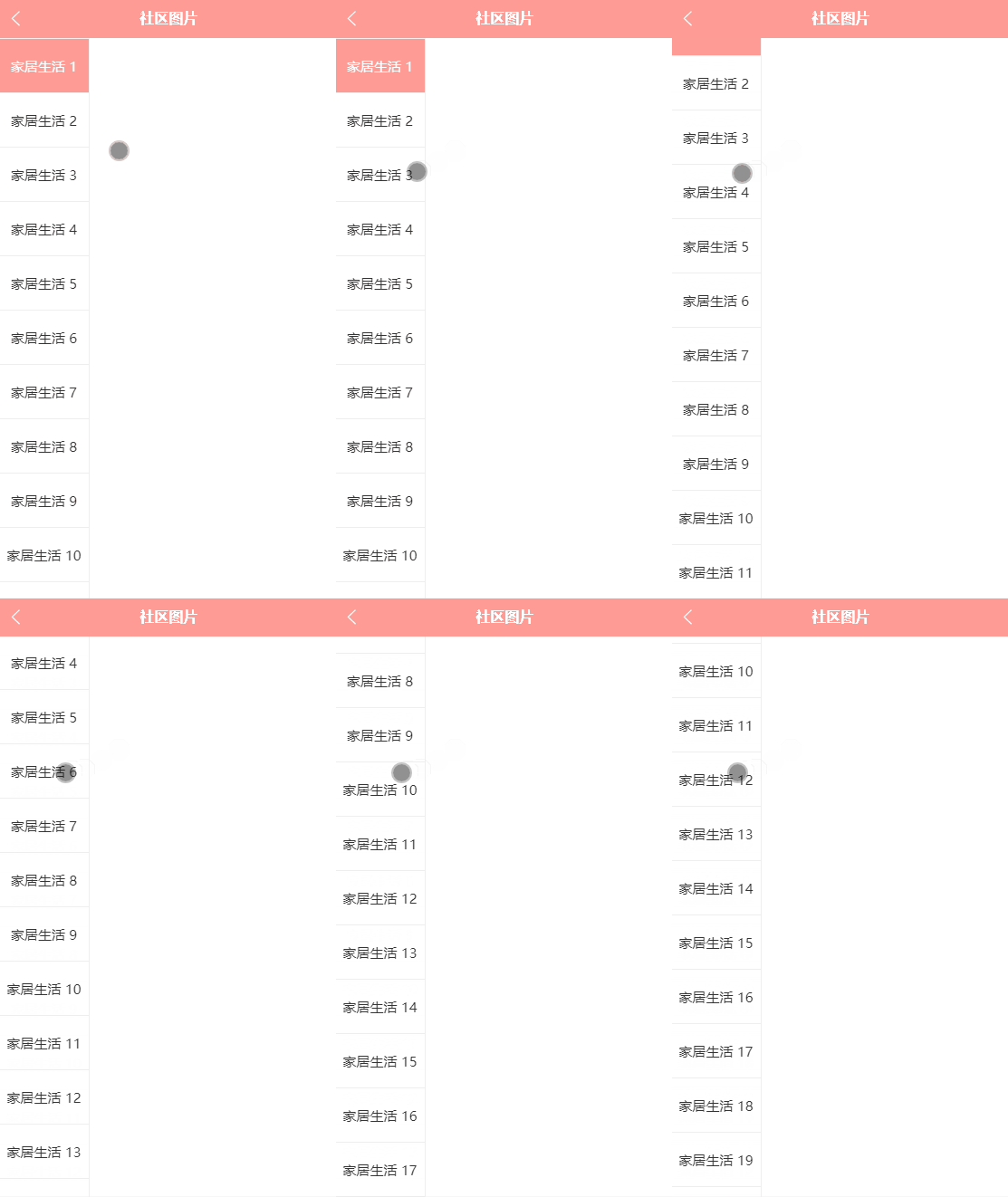
可以看到左侧区域,能上下滑动。
三、数据渲染
左侧展示的分类是固定的,接下来需要调用api接口,渲染数据
修改 pages/pics/pics.uvue文件,调用api
完整代码如下:
<template><view class="pics"><!-- 左侧分类 --><scroll-view class="left" style="width: 200rpx;height: 100vh;border-right: 1px solid #eee;" scroll-y="true"><view v-for="(item,index) in picCates" :key="item.id" :class="index==1?'active':''">{{item.title}}</view></scroll-view></view>
</template><script>export default {data() {return {picCates: [],}},onLoad() {this.getPicsList()},methods: {// 获取图片分类
            async getPicsList() {try {const res = await this.$http.get('/api/getimgcategory', {})// console.log("分类列表数据", res.message);// 分类数据回显this.picCates = res.message;} catch (err : any) {console.log("err", err)uni.showToast({title: '获取图片分类失败' + err.statusCode,});}},}}
</script><style lang="scss">page {display: flex;height: 100%;}.pics {height: 100%;display: flex;.left {view {height: 60px;line-height: 60px;color: #333;text-align: center;font-size: 30rpx;border-top: 1px solid #eee;}.active {background: $shop-color;color: #fff;}}}
</style>
说明:
这里定义了一个方法getPicsList,获取图片分类数据,然后使用for循环遍历。
编译运行,效果如下:

四、 点击高亮
接下来需要实现,点击哪个分类,就高亮显示。
修改 pages/pics/pics.uvue文件,增加点击事件,class动态判断
<template><view class="pics"><!-- 左侧分类 --><scroll-view class="left" style="width: 200rpx;height: 100vh;border-right: 1px solid #eee;" scroll-y="true"><view v-for="(item,index) in picCates" :key="item.id" :class="active==index?'active':''"@click="leftCliclActive(index,item.id)">{{item.title}}</view></scroll-view></view>
</template><script>export default {data() {return {//分类数据
                picCates: [],//选中高亮 默认0,判断+1active: 0,}},onLoad() {this.getPicsList()},methods: {// 获取图片分类
            async getPicsList() {try {const res = await this.$http.get('/api/getimgcategory', {})// console.log("分类列表数据", res.message);// 分类数据回显this.picCates = res.message;} catch (err : any) {console.log("err", err)uni.showToast({title: '获取图片分类失败' + err.statusCode,});}},//点击分类设置为activeasync leftCliclActive(index, id) {console.log("点击的分类下标:", index, "id:", id);this.active = index;},}}
</script><style lang="scss">page {display: flex;height: 100%;}.pics {height: 100%;display: flex;.left {view {height: 60px;line-height: 60px;color: #333;text-align: center;font-size: 30rpx;border-top: 1px solid #eee;}.active {background: $shop-color;color: #fff;}}}
</style>
说明:
leftCliclActive,点击分类设置为active,需要传递2个参数
active,这个是在data里面定义的,用来判断是否高亮显示。
:class="active==index?'active':'',根据点击的索引值进行判断,是否增加高亮显示的样式。
编译运行,效果如下: