
记录一下我最近一年写的脚本,不知不觉近100个了!
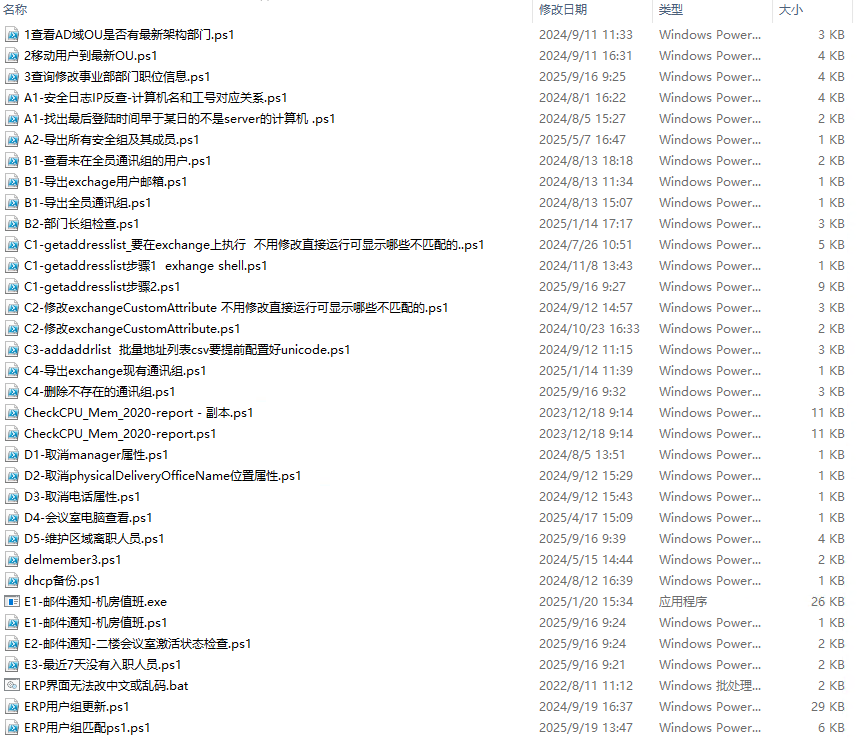

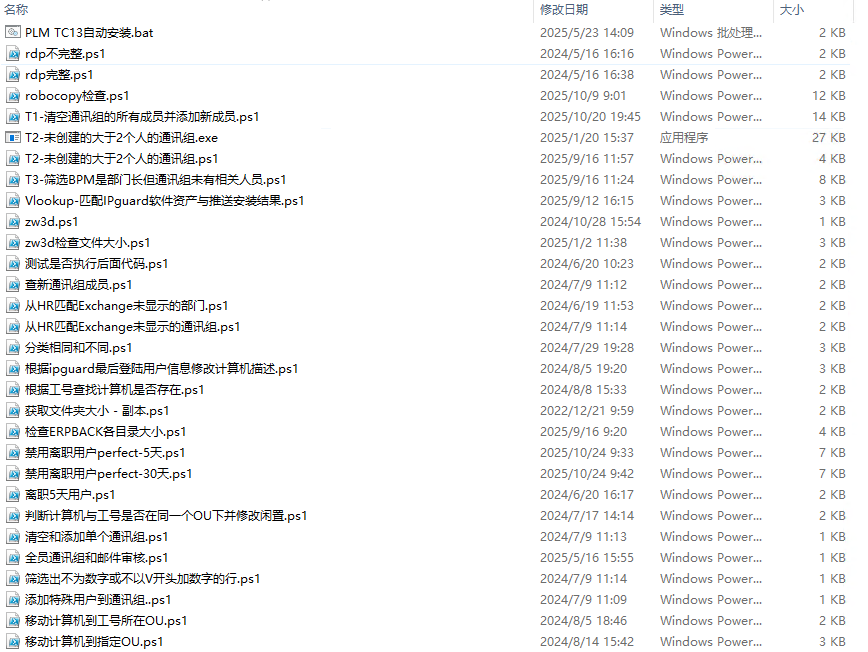
一个系统初始化的脚本
@echo off
echo 右击鼠标以管理员身份运行,按任意键退出
echo 开启远程桌面连接
Wmic OS Get Caption | Findstr /i "7" >nul && goto win7
Wmic OS Get Caption | Findstr /i "10 11" >nul && goto win10
:win7
wmic RDTOGGLE WHERE ServerName='%COMPUTERNAME%' call SetAllowTSConnections 1 2>nul | find "successful" >nul && (echo Success^^!) || (echo Failure^^!)
goto next
:win10
wmic RDTOGGLE WHERE ServerName='%COMPUTERNAME%' call SetAllowTSConnections 1 2>nul | find "方法执行成功" >nul && (echo Success^^!) || (echo Failure^^!)
:next
echo 打开防火墙
netsh advfirewall set allprofiles state on| find "确定" >nul && (echo Success^^!) || (echo Failure^^!)
echo 禁用IPv6
reg add "HKLM\SYSTEM\CurrentControlSet\Services\Tcpip6\Parameters" /v DisabledComponents /t REG_DWORD /d 255 /f | find "操作成功" >nul && (echo Success^^!) || (echo Failure^^!)
echo 设置DNS服务器
netsh interface ip set dns "Ethernet0" static 192.168.0.11 primary
if %errorlevel% equ 0 (
echo DNS添加成功
) else (
echo DNS添加失败,错误代码: %errorlevel%
)
netsh interface ip add dns "Ethernet0" 114.114.114.114
if %errorlevel% equ 0 (
echo 备用DNS添加成功
) else (
echo DNS添加失败,错误代码: %errorlevel%
)
echo 解决Edge、Chrome提示“兼容性问题”
reg add "HKEY_LOCAL_MACHINE\SOFTWARE\Policies\Microsoft\Edge" /v RendererCodeIntegrityEnabled /d 0 /t REG_DWORD /f | find "操作成功完成" >nul && (echo Success^^!) || (echo Failure^^!)
reg add "HKEY_LOCAL_MACHINE\SOFTWARE\Policies\Google\Chrome" /v RendererCodeIntegrityEnabled /d 0 /t REG_DWORD /f | find "操作成功完成" >nul && (echo Success^^!) || (echo Failure^^!)
echo 解决共享打印机连接数问题
reg add "HKLM\SYSTEM\CurrentControlSet\Services\LanmanServer\Parameters" /v autodisconnect /t REG_DWORD /d 15 /f | find "操作成功完成" >nul && (echo Success^^!) || (echo Failure^^!)
echo 设置时区为中国标准时间
tzutil /s "China Standard Time" >nul && (echo Success^^!) || (echo Failure^^!)
echo 禁用Office上传中心
reg add "HKCU\Software\Microsoft\Office\16.0\Common" /v QMEnable /t REG_DWORD /d 0 /f | find "操作成功完成" >nul && (echo Success^^!) || (echo Failure^^!)
echo 启用长路径支持(Win10+)
reg add "HKLM\SYSTEM\CurrentControlSet\Control\FileSystem" /v LongPathsEnabled /t REG_DWORD /d 1 /f | find "操作成功完成" >nul && (echo Success^^!) || (echo Failure^^!)
pause