公司新项目采用了这个技术栈,从0到上线的过程中积累了不少经验,今天分享出来供大家参考。
- 路由导航
- 多页面(多个组件)
- 动态加载
- 简洁可维护的结构
第一步:项目结构示意图
angular-sendemail/
│
├── src/
│   ├── app/
│   │   ├── components/
│   │   │   ├── report/
│   │   │   │   ├── report.component.ts
│   │   │   │   ├── report.component.html
│   │   │   │   └── report.component.css
│   │   │   ├── about/
│   │   │   │   └── ...
│   │   ├── app-routing.module.ts   ✅ 路由配置文件
│   │   ├── app.component.ts        ✅ 根组件逻辑
│   │   ├── app.component.html      ✅ 包含 <router-outlet>│   │   └── app.module.ts           ✅ 应用模块└── ...
第二步:创建两个组件
ng generate component components/report
ng generate component components/about
第三步:配置路由(app-routing.module.ts)
import { NgModule } from '@angular/core';
import { RouterModule, Routes } from '@angular/router';
import { ReportComponent } from './components/report/report.component';
import { AboutComponent } from './components/about/about.component';
const routes: Routes = [
{ path: 'sendemail', component: ReportComponent },
{ path: 'about', component: AboutComponent },
{ path: '', redirectTo: 'sendemail', pathMatch: 'full' }, // 默认路径
{ path: '**', redirectTo: 'sendemail' } // 未知路径重定向
];
@NgModule({
imports: [RouterModule.forRoot(routes)],
exports: [RouterModule]
})
export class AppRoutingModule {}
第四步:在 app.module.ts 中导入路由模块
import { NgModule } from '@angular/core';
import { BrowserModule } from '@angular/platform-browser';
import { AppComponent } from './app.component';
import { ReportComponent } from './components/report/report.component';
import { AboutComponent } from './components/about/about.component';
import { AppRoutingModule } from './app-routing.module'; // ✅ 导入路由模块
@NgModule({
declarations: [
AppComponent,
ReportComponent,
AboutComponent
],
imports: [
BrowserModule,
AppRoutingModule // ✅ 注入
],
providers: [],
bootstrap: [AppComponent]
})
export class AppModule {}
第五步:配置模板 app.component.html
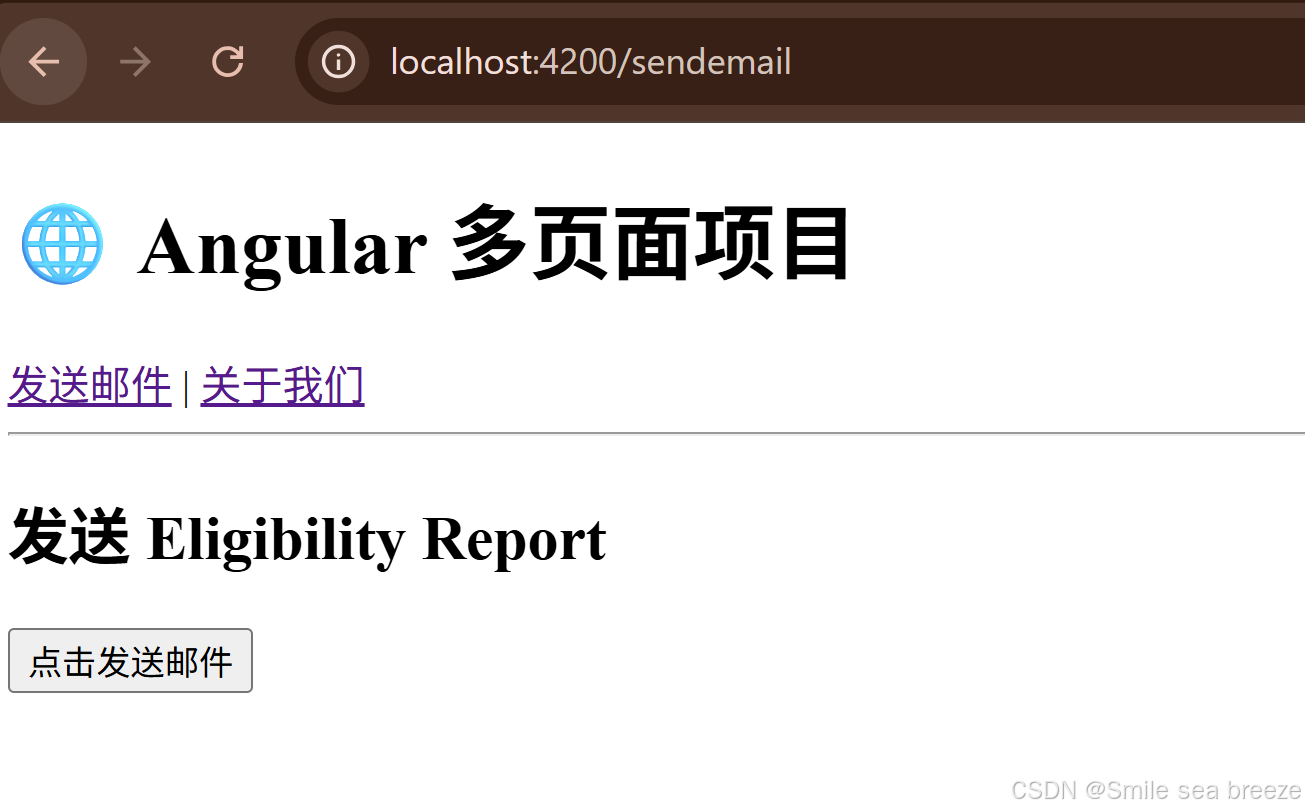
<!-- src/app/app.component.html --><h1> Angular 多页面项目</h1><!-- 路由导航链接 --><nav><a routerLink="/sendemail">发送邮件</a> |<a routerLink="/about">关于我们</a></nav><hr /><!-- 路由组件显示的位置 --><router-outlet></router-outlet>第六步:组件示例 HTML(例如 report.component.html)
<div class="container"><h2>发送 Eligibility Report</h2><button (click)="sendEmail()">点击发送邮件</button></div>第七步:组件ts(例如 report.component.ts)
import { Component } from '@angular/core';
import { HttpClient } from '@angular/common/http';
@Component({
selector: 'app-report',
templateUrl: './report.component.html',
})
export class ReportComponent {
constructor(private http: HttpClient) {}
sendEmail() {
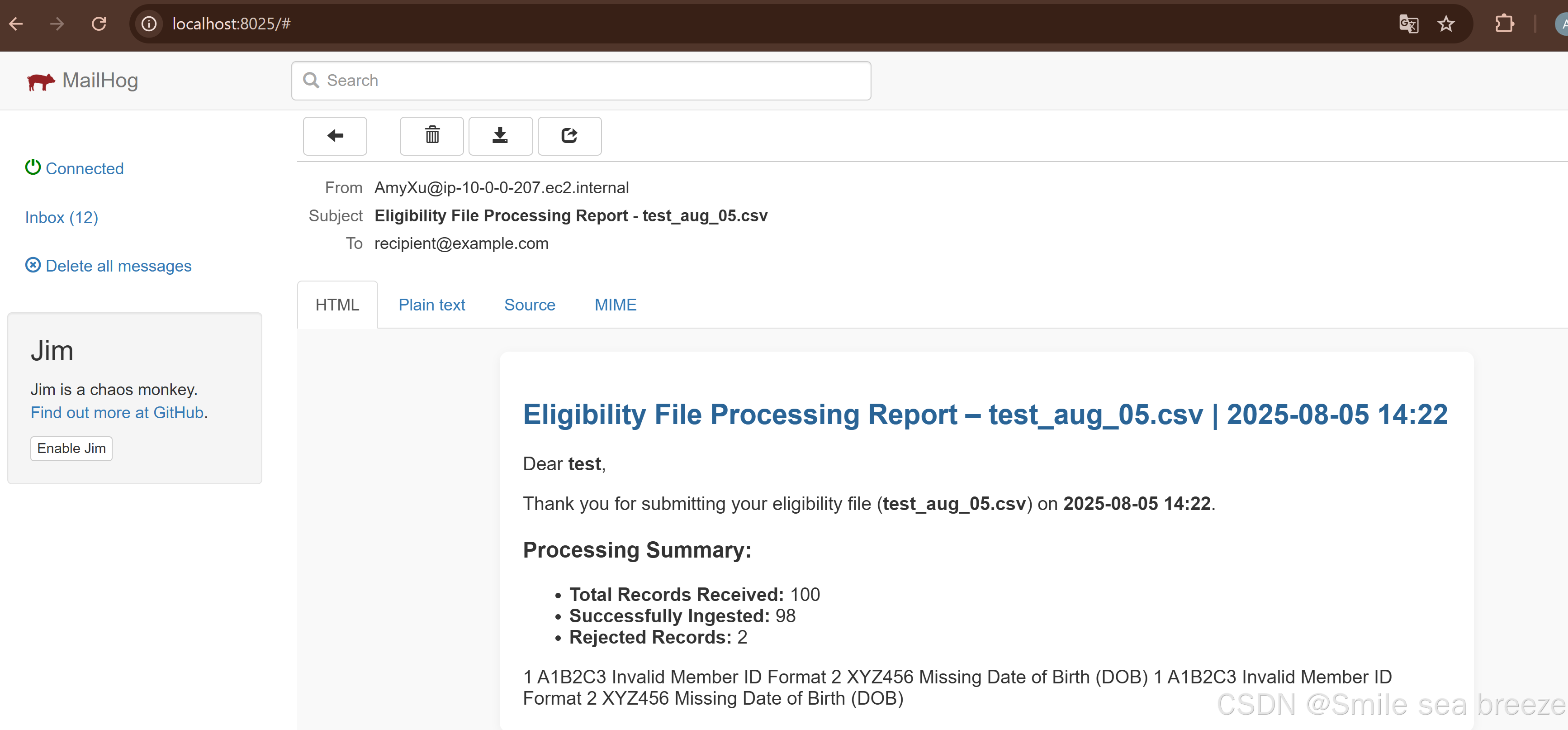
const report = {
fileName: 'test_aug_05.csv',
recipientEmail: 'recipient@example.com',
healthPlanName:'test',
totalRecords: 100,
successfullyIngested: 98,
rejectedRecords: 2,
submissionDateTime:'2025-08-05 14:22',
rejectedDetails: [
{
recordNumber: 1,
memberId: 'A1B2C3',
errorReason: 'Invalid Member ID Format'
},
{
recordNumber: 2,
memberId: 'XYZ456',
errorReason: 'Missing Date of Birth (DOB)'
}
]
};
// 调用后端发送邮件 API
this.http.post('http://localhost:8080/api/reports/send', report, { responseType: 'text' })
.subscribe({
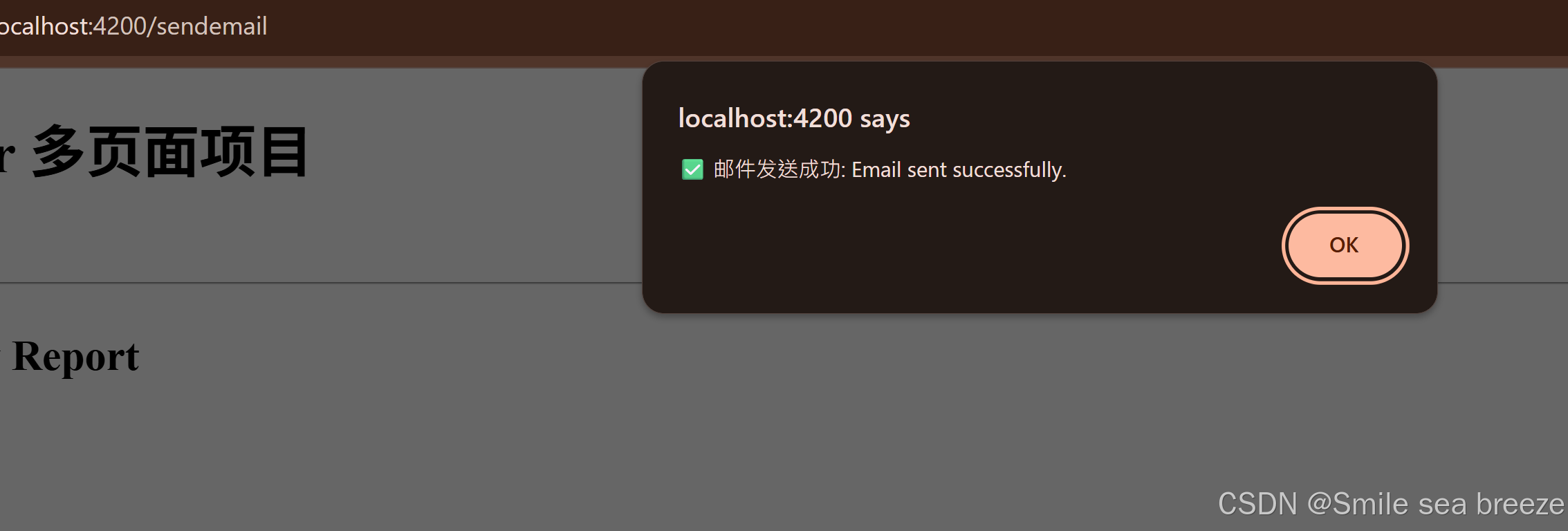
next: (res) => alert('✅ 邮件发送成功: ' + res),
error: (err) => alert('❌ 发送失败: ' + err.message)
});
}
}
效果预览:
| 访问地址 | 页面显示 |
|---|---|
http://localhost:4200/ | 自动跳转到 sendemail,显示发送邮件页面 |
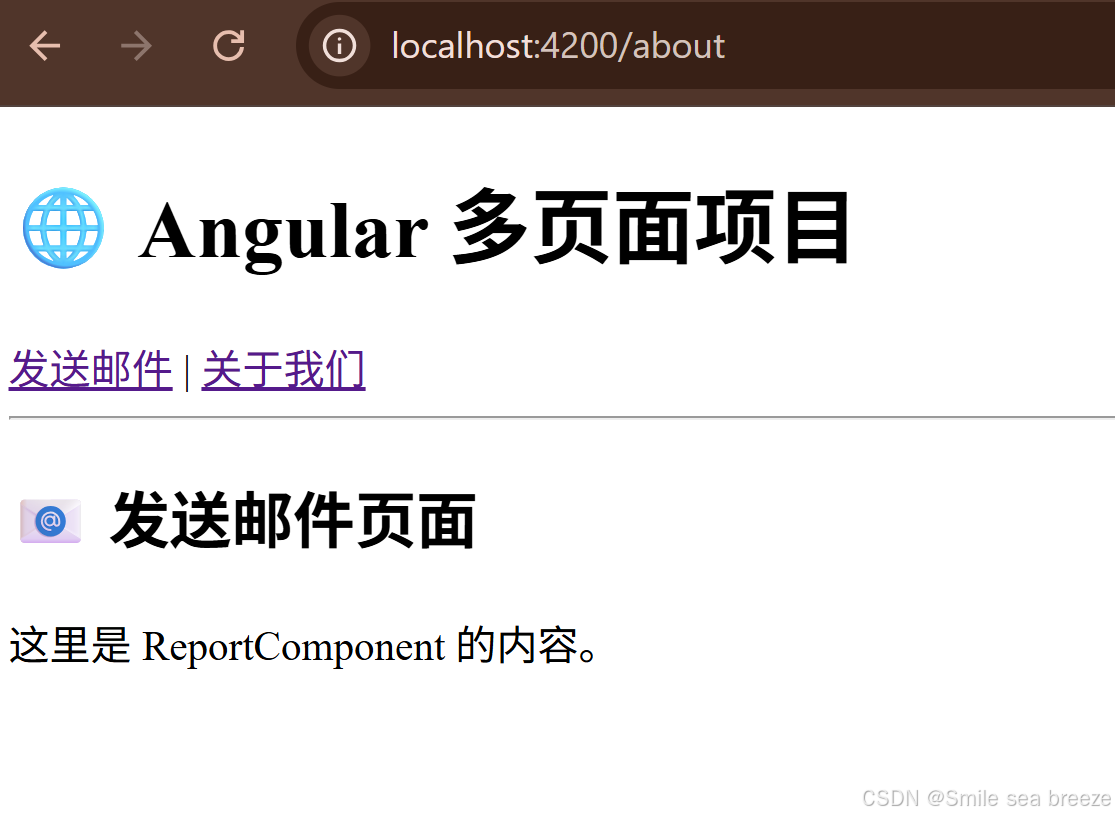
http://localhost:4200/about | 显示关于页面 |
http://localhost:4200/unknown | 自动跳转回 sendemail |