GroupDocsXslViewer
GroupDocs.Viewer
Supported formats
Word: DOCX, DOC, ODT, RTF, TXT.
PowerPoint: PPTX, PPT, ODP.
Excel: XLSX, XLS, ODS, Numbers, CSV.
Fixed Page Layout: PDF, XPS.
Graphics: CDR, DCM, AI, PSD.
Email: MSG, EML, VCF.
Diagrams: VSDX, VSD.
Web: HTML, MHTML, CHM, JSON, XML.
Other file formats: E-books, archives, Project
https://products.groupdocs.com/viewer/net/excel/
IronXL is a powerful .NET library that provides a plethora of functionalities related to Excel operations. It offers a simplified API that lets .NET developers write, manipulate, and read Excel documents in various file formats including XLS, XLSX, CSV, and more.
https://github.com/ExcelDataReader/ExcelDataReader
https://github.com/GrapeCity/DsExcel
https://blog.aspose.com/cells/view-excel-files-in-asp-net-mvc-csharp-excel-viewer/
using System;
using System.Collections.Generic;
using System.Linq;
using System.Web;
using System.Web.UI;
using System.Web.UI.WebControls;namespace HighCharts
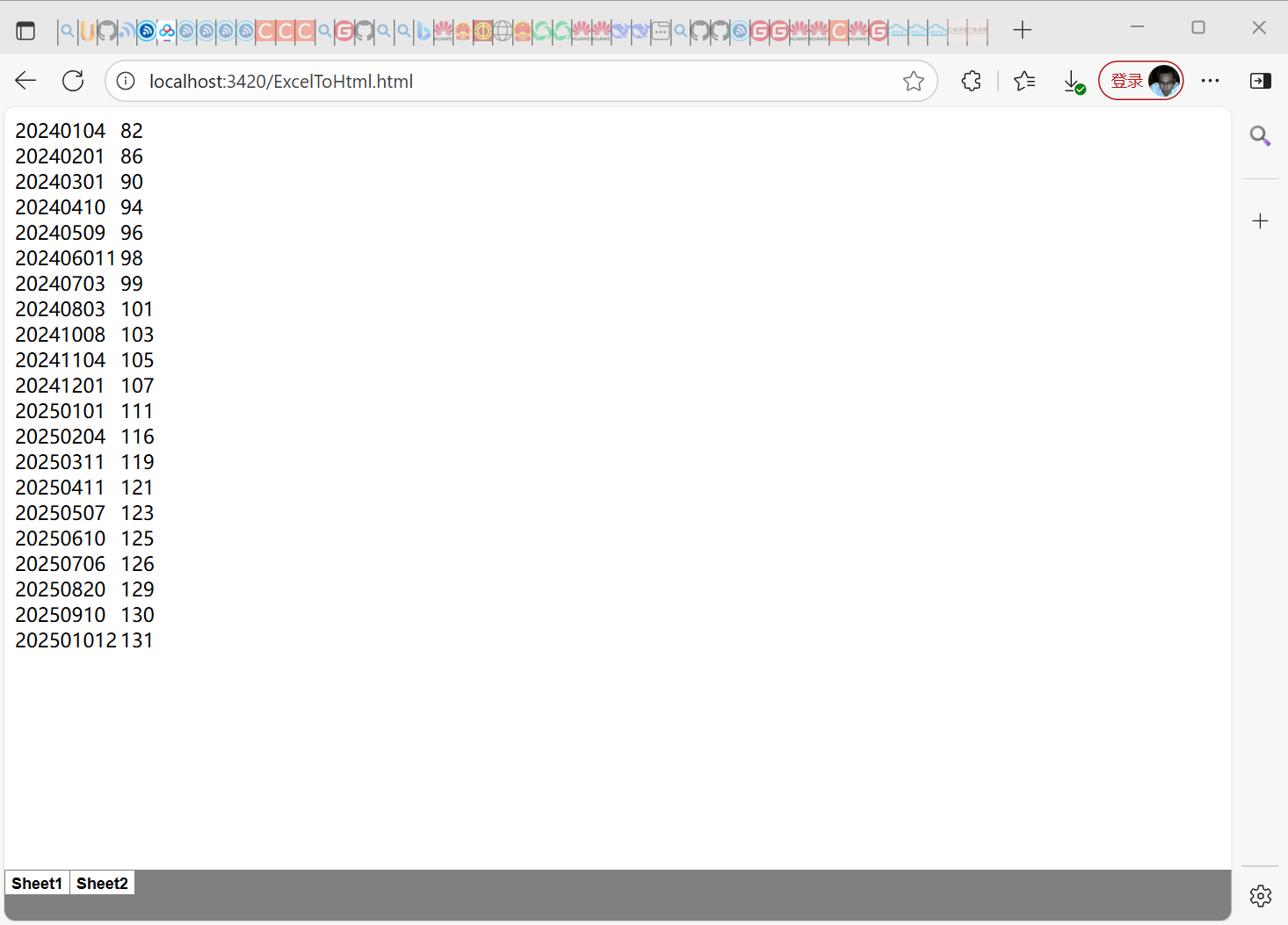
{/// <summary>/// /// </summary>public partial class asposecellexcelcoverthtml : System.Web.UI.Page{/// <summary>/// geovindu, Geovin Du,塗聚文,涂聚文/// </summary>/// <param name="sender"></param>/// <param name="e"></param>protected void Page_Load(object sender, EventArgs e){if(!IsPostBack){// The path to the documents directory.string dataDir = Server.MapPath("~") + "/";//Load your source Excel fileAspose.Cells.Workbook workbook = new Aspose.Cells.Workbook(dataDir + "天然气.xlsx");//Define HtmlSaveOptions with various propertiesAspose.Cells.HtmlSaveOptions options = new Aspose.Cells.HtmlSaveOptions();// options.ExportActiveWorksheetOnly = true;// options.ExportImagesAsBase64 = true;// 关键修改:设置为false以导出所有工作表,而不仅仅是活动工作表options.ExportActiveWorksheetOnly = false;options.ExportImagesAsBase64 = true;//options.PicturesCompression = 100;//options.ExportCellAutoFitProperty = true;// options.ExportGridLines = true;// options.ExportHeadings = true;// options.MergedCellsHandling = Aspose.Cells.HtmlMergingCellsHandling.PromoteToParent;//options.CssStyleType = Aspose.Cells.HtmlCssStyleType.Inline;//Save the file in HTML formatworkbook.Save(dataDir + "ExcelToHtml.html", options);//Launch the HTML file in default associated application (web browser)Response.Redirect("ExcelToHtml.html");}}}
}