
1. Platform Invocation (P/Invoke)
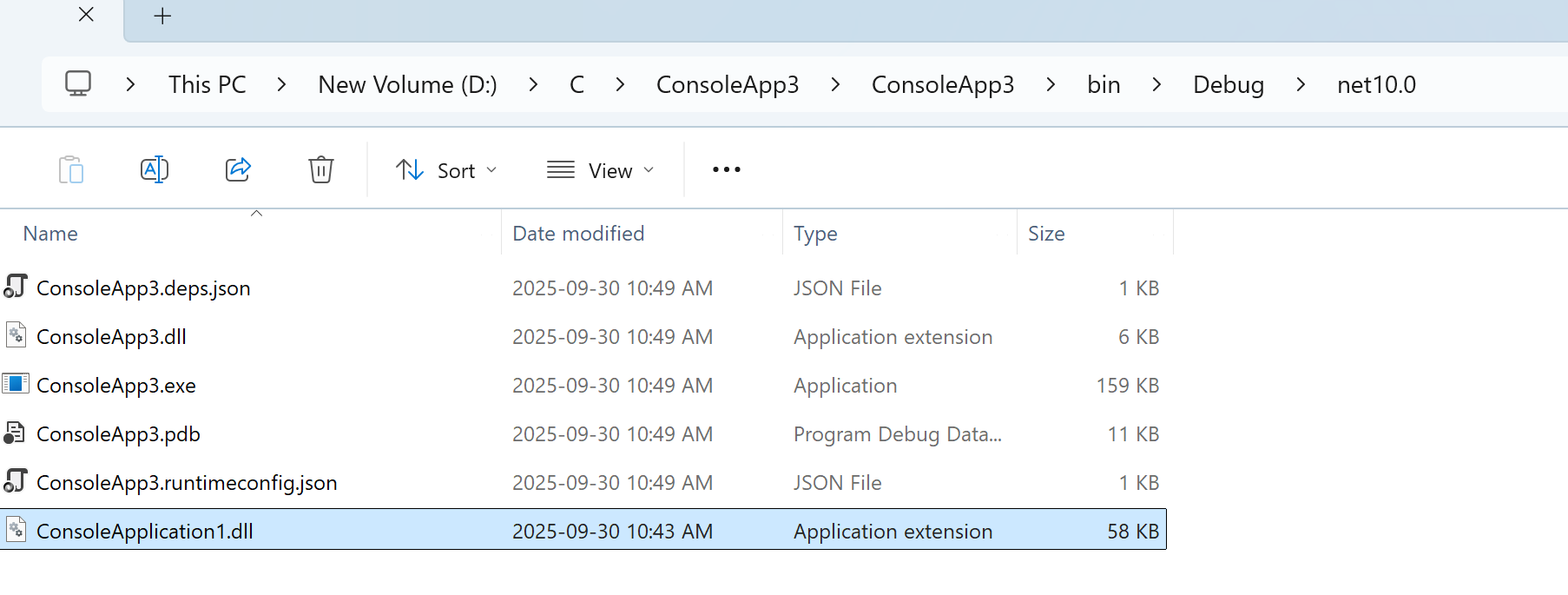
Set C++ project as dll, compile, copy compiled c++ dll to C# bin/debug matched location
//C++
// ConsoleApplication1.cpp : This file contains the 'main' function. Program execution begins and ends there.
//

#include <iostream>extern "C"
{__declspec(dllexport) int AddNumbers(int a, int b){return a + b;}__declspec(dllexport) double CalculateAverage(double* numbers, int count){double sum = 0.0;for (int i = 0; i < count; i++){sum += numbers[i];}return sum / count;}
}
// Run program: Ctrl + F5 or Debug > Start Without Debugging menu
// Debug program: F5 or Debug > Start Debugging menu// Tips for Getting Started:
//   1. Use the Solution Explorer window to add/manage files
//   2. Use the Team Explorer window to connect to source control
//   3. Use the Output window to see build output and other messages
//   4. Use the Error List window to view errors
//   5. Go to Project > Add New Item to create new code files, or Project > Add Existing Item to add existing code files to the project
//   6. In the future, to open this project again, go to File > Open > Project and select the .sln file
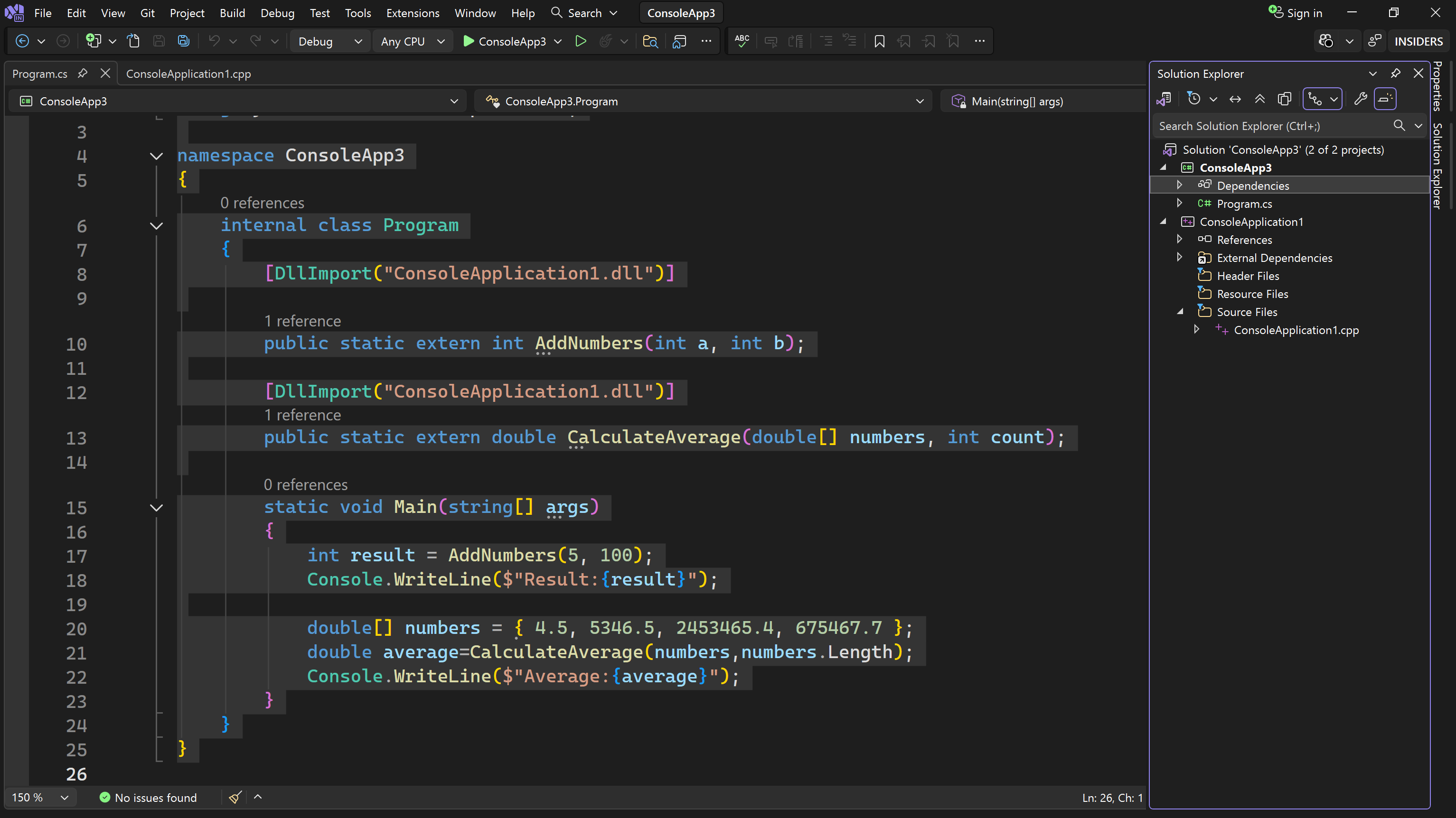
using System;
using System.Runtime.InteropServices;namespace ConsoleApp3
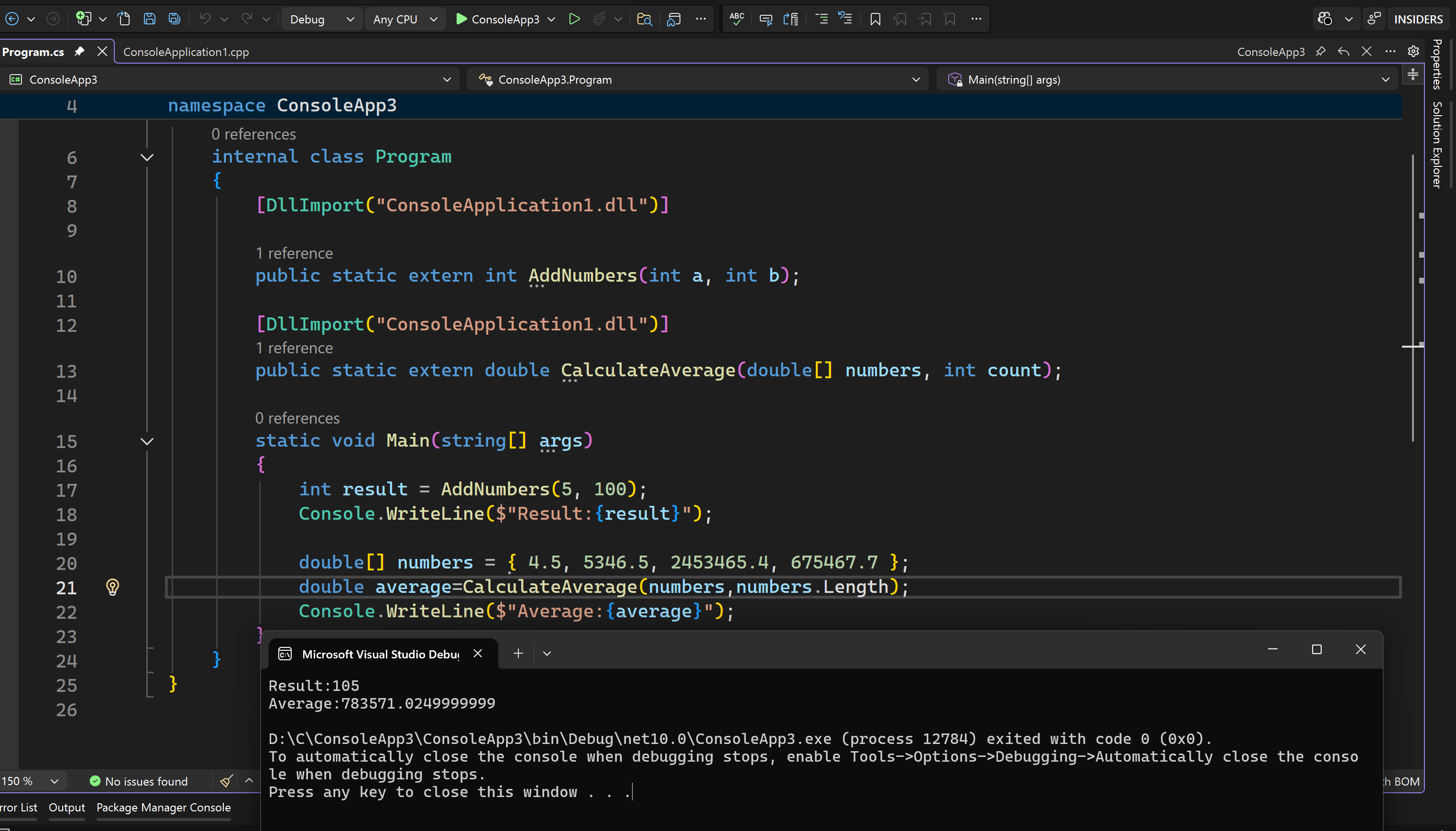
{internal class Program{[DllImport("ConsoleApplication1.dll")]public static extern int AddNumbers(int a, int b);[DllImport("ConsoleApplication1.dll")]public static extern double CalculateAverage(double[] numbers, int count);static void Main(string[] args){int result = AddNumbers(5, 100);Console.WriteLine($"Result:{result}");double[] numbers = { 4.5, 5346.5, 2453465.4, 675467.7 };double average=CalculateAverage(numbers,numbers.Length);Console.WriteLine($"Average:{average}");}}
}
2.