
private void DrawTriangleInCanvas(){try{triangle = new Polygon(){Stroke = Brushes.Black,StrokeThickness = 3,Fill = Brushes.Red};double height = (Math.Sqrt(3) / 2) * sideLength;Point centerPt = new Point(cvs.ActualWidth / 2, cvs.ActualHeight / 2);Point topPt = new Point(centerPt.X, cvs.ActualHeight / 2 - height / 2);Point leftPt = new Point(centerPt.X - sideLength / 2, centerPt.Y + height / 2);Point rightPt = new Point(centerPt.X + sideLength / 2, centerPt.Y + height / 2);triangle.Points.Add(leftPt);triangle.Points.Add(rightPt);triangle.Points.Add(topPt);AddContextMenuWithTriangle(triangle);cvs.Children.Add(triangle);}catch (Exception ex){MessageBox.Show(ex.Message);}}private void AddContextMenuWithTriangle(Polygon triangle){ContextMenu cxt = new ContextMenu();MenuItem saveMenuItem = new MenuItem();saveMenuItem.Header = "Save";saveMenuItem.Click += (s, e) =>{SaveMenuItemMethod();};MenuItem removeMenuItem = new MenuItem();removeMenuItem.Header = "Delete";removeMenuItem.Click += (s, e) =>{DeleteMenuItemMethod();};cxt.Items.Add(saveMenuItem);cxt.Items.Add(removeMenuItem);triangle.ContextMenu = cxt;}private void DeleteMenuItemMethod(){MessageBox.Show("In Delete MenuItem!");}private void SaveMenuItemMethod(){MessageBox.Show($"In Save MenuItem!");}
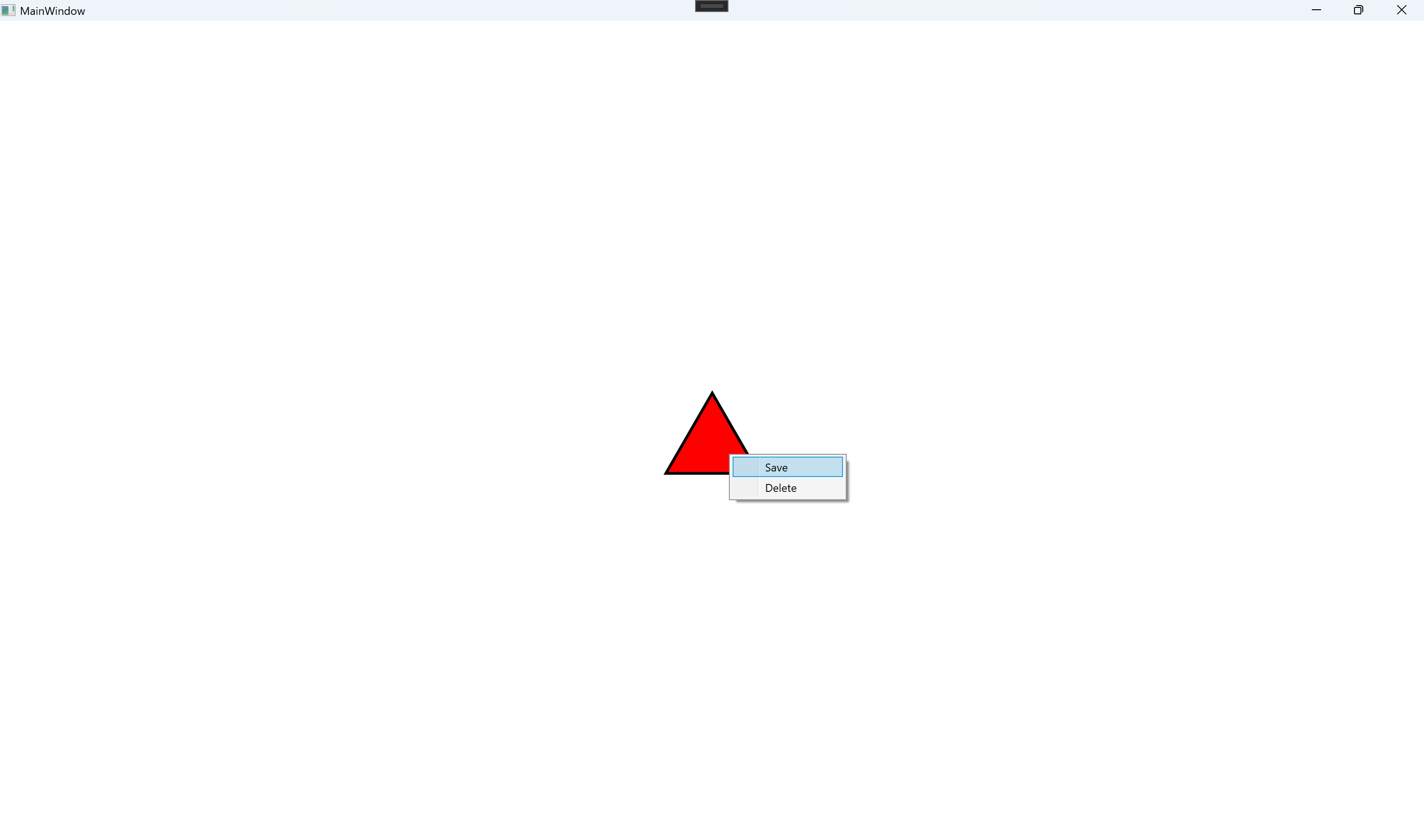

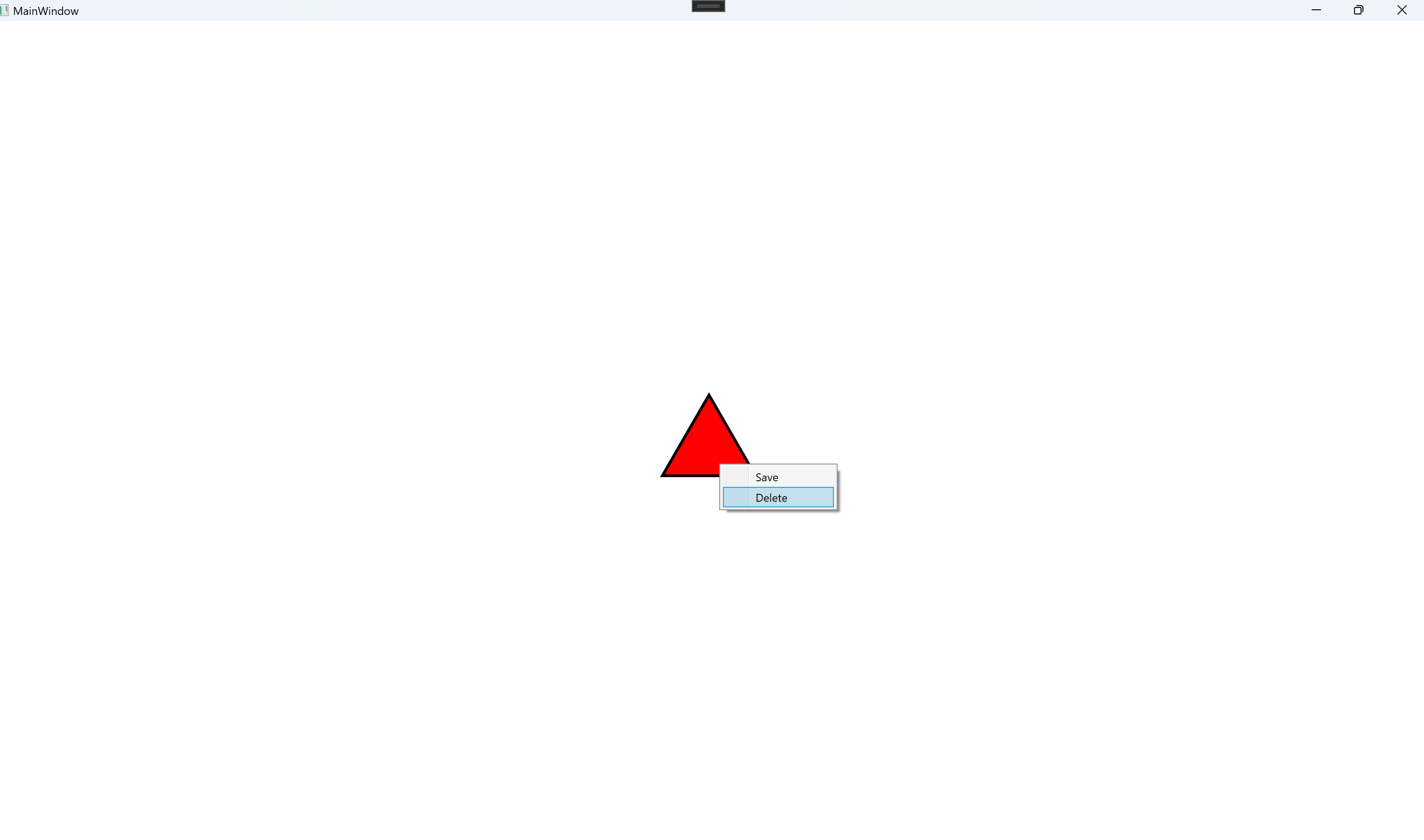

//Window.xaml
<Window x:Class="WpfApp16.MainWindow"xmlns="http://schemas.microsoft.com/winfx/2006/xaml/presentation"xmlns:x="http://schemas.microsoft.com/winfx/2006/xaml"xmlns:d="http://schemas.microsoft.com/expression/blend/2008"xmlns:mc="http://schemas.openxmlformats.org/markup-compatibility/2006"xmlns:local="clr-namespace:WpfApp16"mc:Ignorable="d"WindowState="Maximized"Title="MainWindow" Height="450" Width="800"><Grid><Canvas x:Name="cvs"Background="White"HorizontalAlignment="Stretch"VerticalAlignment="Stretch"/></Grid>
</Window>//Window.xaml.cs
using System.Runtime.CompilerServices;
using System.Text;
using System.Windows;
using System.Windows.Controls;
using System.Windows.Data;
using System.Windows.Documents;
using System.Windows.Input;
using System.Windows.Media;
using System.Windows.Media.Imaging;
using System.Windows.Navigation;
using System.Windows.Shapes;namespace WpfApp16
{/// <summary>/// Interaction logic for MainWindow.xaml/// </summary>public partial class MainWindow : Window{Polygon triangle = null;double sideLength = 100.0d;public MainWindow(){InitializeComponent();this.Loaded += MainWindow_Loaded;}private void MainWindow_Loaded(object sender, RoutedEventArgs e){DrawTriangleInCanvas();}private void DrawTriangleInCanvas(){try{triangle = new Polygon(){Stroke = Brushes.Black,StrokeThickness = 3,Fill = Brushes.Red};double height = (Math.Sqrt(3) / 2) * sideLength;Point centerPt = new Point(cvs.ActualWidth / 2, cvs.ActualHeight / 2);Point topPt = new Point(centerPt.X, cvs.ActualHeight / 2 - height / 2);Point leftPt = new Point(centerPt.X - sideLength / 2, centerPt.Y + height / 2);Point rightPt = new Point(centerPt.X + sideLength / 2, centerPt.Y + height / 2);triangle.Points.Add(leftPt);triangle.Points.Add(rightPt);triangle.Points.Add(topPt);AddContextMenuWithTriangle(triangle);cvs.Children.Add(triangle);}catch (Exception ex){MessageBox.Show(ex.Message);}}private void AddContextMenuWithTriangle(Polygon triangle){ContextMenu cxt = new ContextMenu();MenuItem saveMenuItem = new MenuItem();saveMenuItem.Header = "Save";saveMenuItem.Click += (s, e) =>{SaveMenuItemMethod();};MenuItem removeMenuItem = new MenuItem();removeMenuItem.Header = "Delete";removeMenuItem.Click += (s, e) =>{DeleteMenuItemMethod();};cxt.Items.Add(saveMenuItem);cxt.Items.Add(removeMenuItem);triangle.ContextMenu = cxt;}private void DeleteMenuItemMethod(){MessageBox.Show("In Delete MenuItem!");}private void SaveMenuItemMethod(){MessageBox.Show($"In Save MenuItem!");}}
}